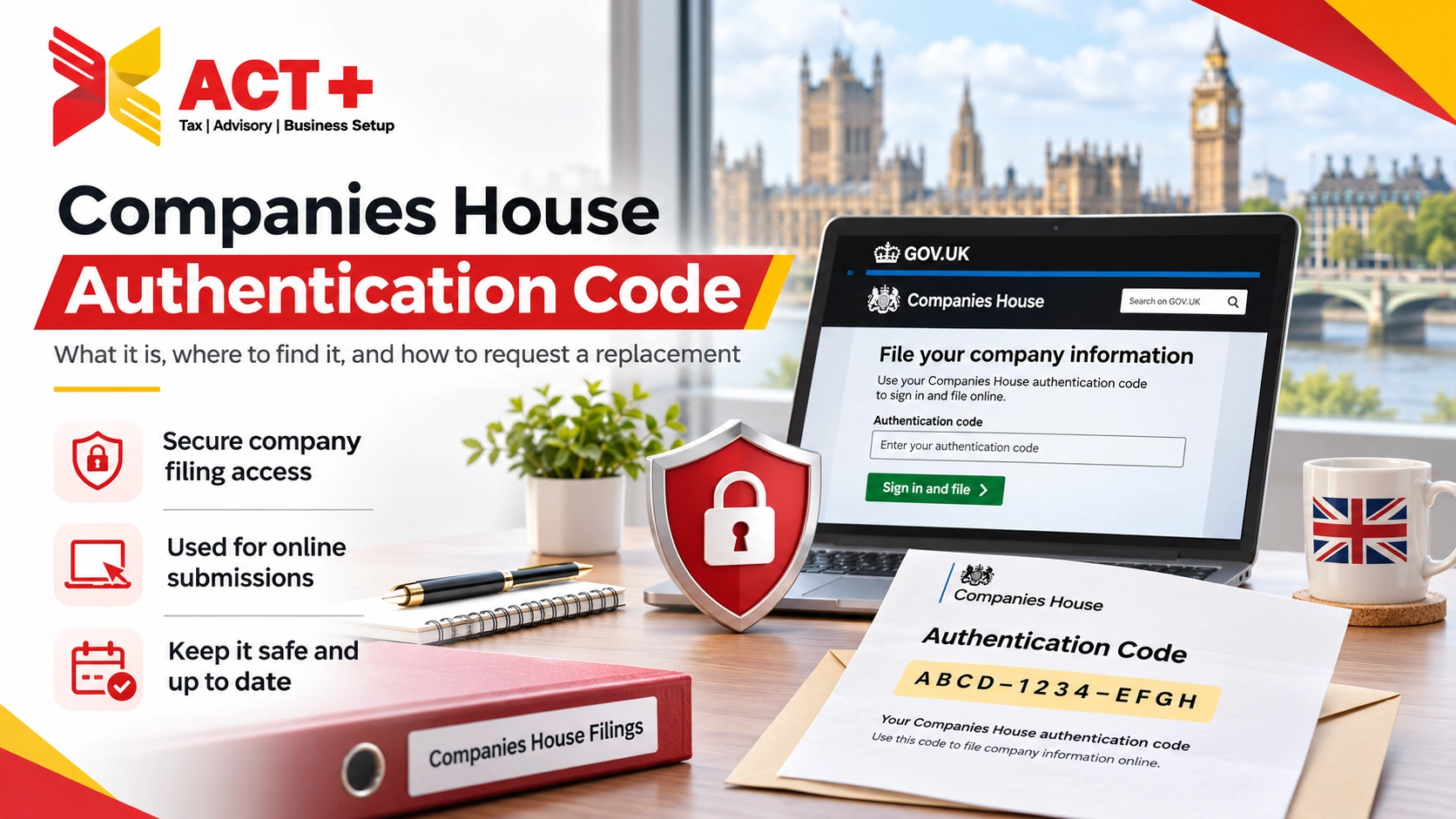
A Companies House authentication code authorises online filings for a company. It contains six characters and uses letters and numbers. UK companies can request their code through WebFiling. Companies House usually posts it at the registered office. Allow up to 10 working days for standard delivery. You can apply for administrative restoration without the company authentication code. If you qualify, send form RT01 by post. Use paper form CS01 for outstanding confirmation statements during restoration.
A Companies House authentication code authorises filings for a specific company. It serves as a company officer’s signature for online filings. Your company number identifies the business on the public register. The authentication code gives access to filing functions.
The code works with supported Companies House services and commercial software. You can use it for accounts, confirmation statements, and eligible changes. Commercial software also requires a presenter ID and presenter authentication code. Keep those credentials separate from the company authentication code.
How to Request a Companies House Authentication Code
Request your UK company’s authentication code through WebFiling. Sign in or follow the prompts to create an account. Have your company number ready. Check the registered office address before requesting the letter.
Open Companies House WebFiling.
Select Your companies or file for a company.
Enter the company details.
Select Help with authentication code.
Choose I do not have an authentication code.
Follow the prompts to request the letter.
If you use an address provider, check its post forwarding arrangements. Allow time for forwarding when planning your next filing.
Overseas companies request codes through Find and update company information. Sign in and follow the prompts for your overseas company. Companies House posts the code to the UK establishment address. Delivery can take up to 10 working days. The code only supports package account filing.
Companies House sends authentication codes only by post. It usually sends the letter to the company’s registered office. Allow up to 10 working days for standard delivery. Busy periods can extend delivery. If the letter fails to arrive, check the public register. Confirm the address matches the office that receives company posts. If the address is correct, contact Companies House about the delay.
Yes, eligible businesses can request delivery to an active officer’s home. Use this route if you cannot access registered office post. The service covers active UK limited companies and LLPs. An online filing within the previous 30 days prevents access.
Confirm that Companies House holds the officer’s current home address. The service keeps that address hidden and offers no update option. Allow around 10 working days for home delivery. If the registered office is wrong, check the address change procedure. Protected online filing can restrict paper changes to company details. Contact Companies House if that restriction blocks the correction.
Request a postal reminder through WebFiling if you misplace the code. The reminder contains the company’s existing code. If a deadline is close, check who already has filing access. Your current accountant may already have the company saved in WebFiling.
What If a Former Accountant Holds the Authentication Code?
Change the authentication code if your former accountant knows it. If you lack access, request a postal reminder first. Review WebFiling permissions during the handover. Check the filing history for the latest accepted accounts and statements. Confirm which filings your new accountant will handle.
Change a compromised code in WebFiling under Company authentication. Choose six characters using a mixture of letters and numbers. Enter the new code again to confirm it. Select Change code. Tell current authorised filers about the change. Share the code securely with authorised filers who need it.
Check the filing history for any unauthorised changes. Look for unexpected director appointments or registered office changes. Report suspicious filings or requests for your code to Companies House. WebFiling also lets you cancel the company’s code. Cancellation normally takes effect from the next working day. Contact Companies House directly if you need earlier cancellation. Authentication Code vs Companies House Personal Code
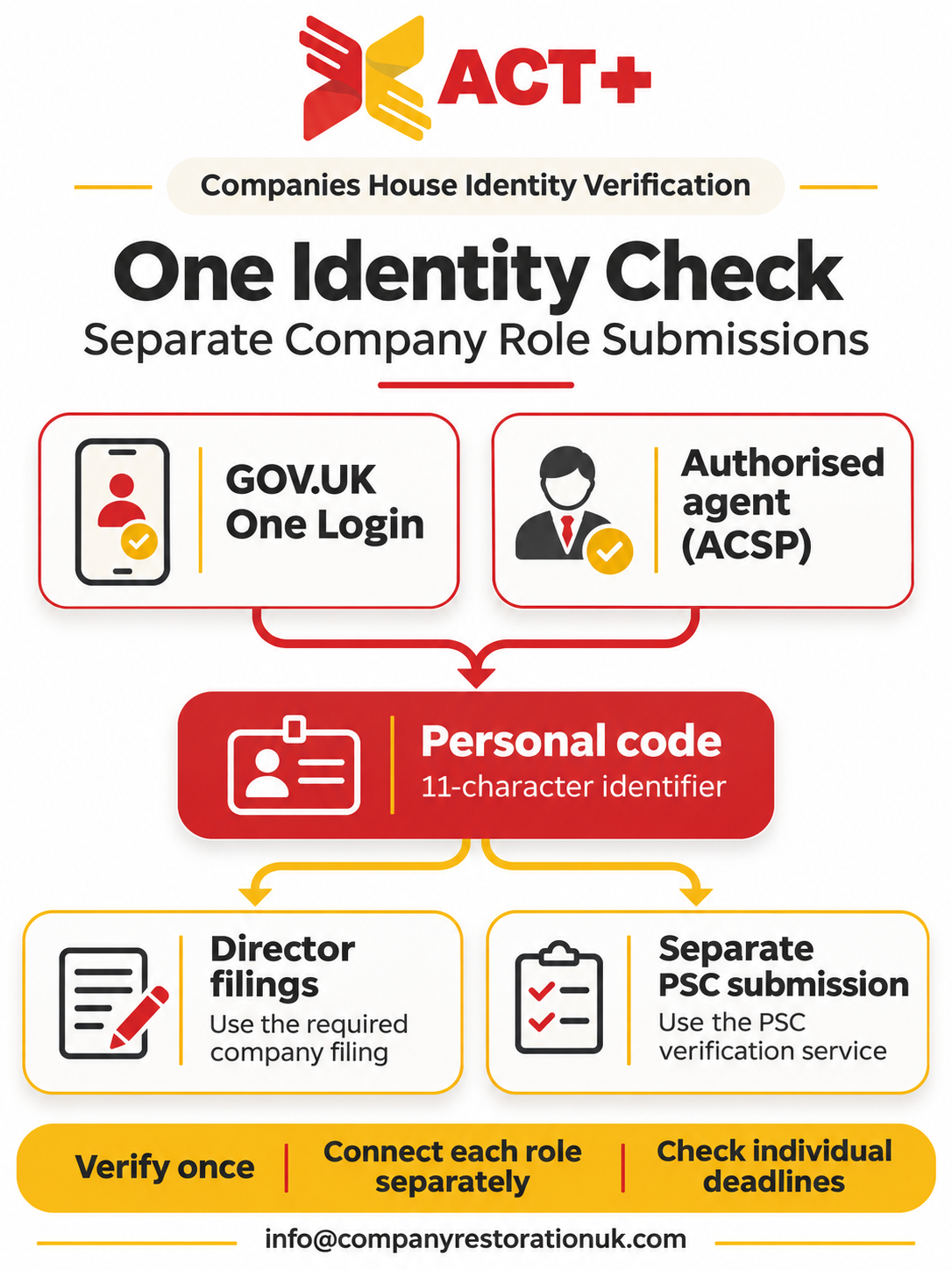
The authentication code authorises company filings. The personal code links someone’s verified identity to a company role. One confirmation statement can involve both codes. The company code gives access to the online filing. Directors provide their personal codes when the filing requires them.
Yes, you can submit some forms by post. Paper form CS01 is one example. An authorised filer can also grant you digital WebFiling access. You can then file eligible documents without entering the code yourself. Check the instructions for the form you need. When the annual fee falls due, online CS01 filing costs £50. Filing by post costs £110. Check whether you already paid the fee for that payment period. Director identity verification requirements still apply.
You can apply for administrative restoration without the company authentication code. Use paper form CS01 for outstanding confirmation statements. If you qualify, post form RT01 to Companies House. Include the required documents and payments with your application. Check the director identity requirements for any confirmation statements.
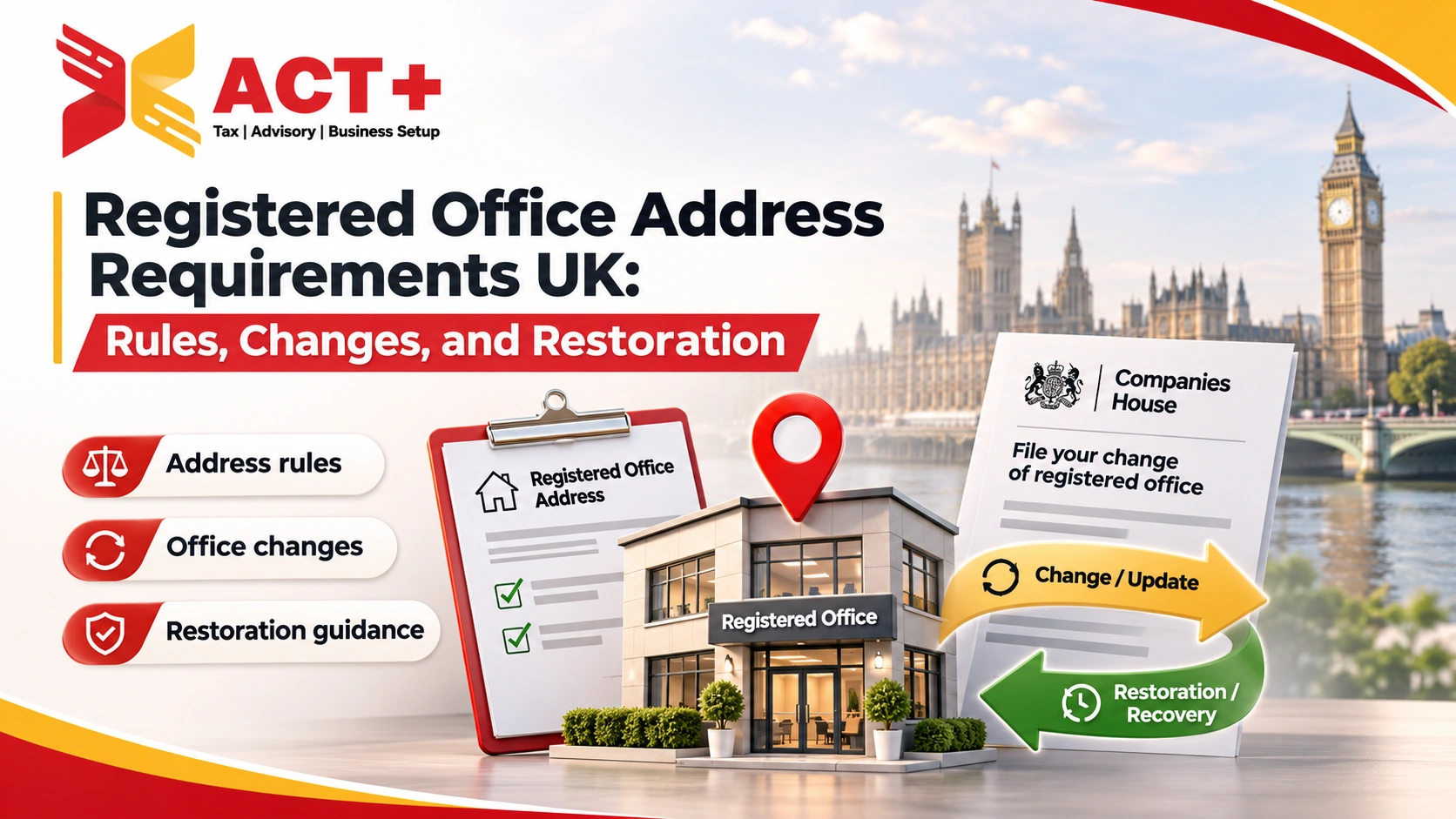
Check the company’s registered office at the time of strike-off. If it used the Companies House default address, include form AD01. Include evidence showing that the new registered office is appropriate. Once restoration takes effect, check the address on the register. Then request the code for future online filings.
Store the authentication code securely. Limit access to authorised filers. Use a password manager that supports restricted sharing. Give each filer their own account access. Use digital authorisation where WebFiling supports it. Review permissions whenever someone stops filing for the company.Avoid predictable codes, including company numbers or directors’ birthdays. Treat unexpected requests for the code as suspicious. Check suspicious requests using published Companies House contact details.
Speak to a restoration specialist today — most eligible companies are back on the register in 4–6 weeks.
Start restorationSend the basics. A case manager checks the register and comes back with the route, the documents and the official costs.
Start with how the company was dissolved.
These answers help estimate work and official costs.
We use these details only to review your case and reply to you.
When you press Send My Details for a Free Review, your answers and contact details are sent to the Xact+ restoration team for a free case review. Read the privacy policy.
This is an indication from your answers, not a formal assessment.

Leave a comment